
Call us now :
 Send Inquiry
 Send Inquiry
Barcode Lable Printer
Price 8500.0 INR/ Unit
MOQ : 1 Unit
Barcode Lable Printer Specification
- Humidity %
- N/A
- Capacity
- N/A Pcs/hr
- Usage & Applications
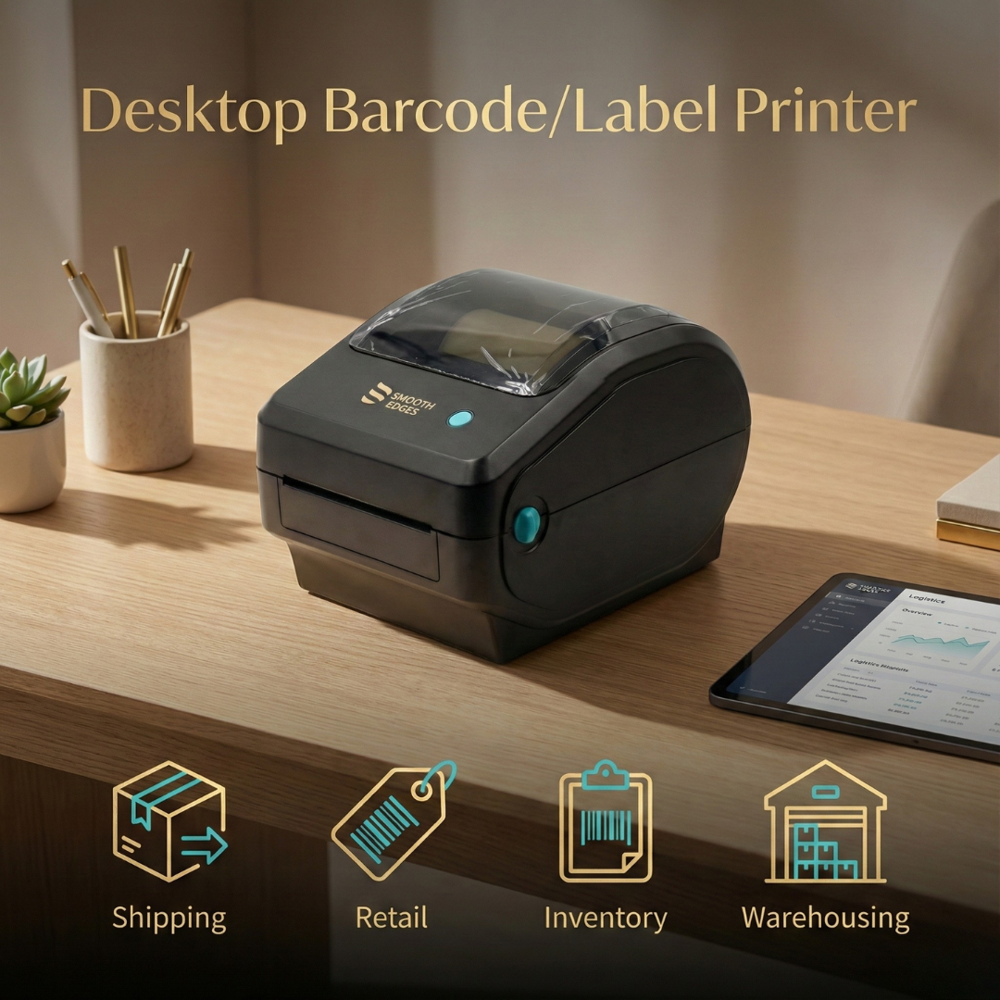
- Retail, billing, shipping, inventory labels.
- Print Speed
- N/A m/hr
- Print Technology
- Direct thermal
- Function
- Prints barcodes/receipts/labels.
- Noise Level
- N/A db
- Weight
- 400 Grams (g)
- Power Supply
- N/A
- Interface
- USB + Bluetooth + Wi Fi (connectivity options)
- Processor Speed
- Not Specified
- Cabinet Material
- N/A
- Working Temperature
- N/A Celsius (oC)
- Features
- Thermal print, barcode/receipt support, USB/Bluetooth/Wi Fi, fast printing, smooth edges.
- Material
- ABS Plastic
- Dimensions
- N/A Meter (m)
- Gross Power
- N/A
- Voltage
- 10 Watt (w)
- Automatic Grade
- Automatic
- Color Print Speed
- N/A m/hr
- Black Print Speed
- N/A m/hr
- Maximum Paper Size
- 80 mm Width
- Use
- Barcode & receipt printing
Barcode Lable Printer Trade Information
- Minimum Order Quantity
- 1 Unit
- Delivery Time
- 5 Days
Barcode Lable Printer About
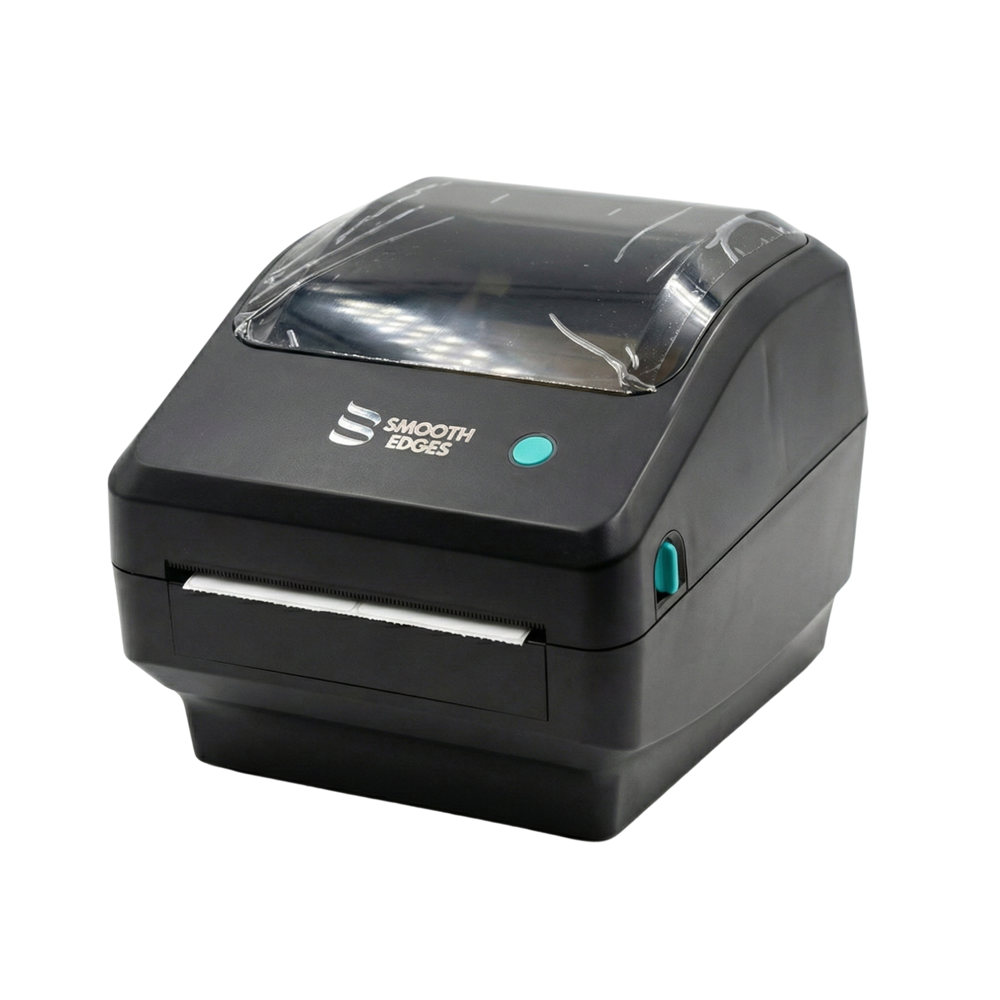
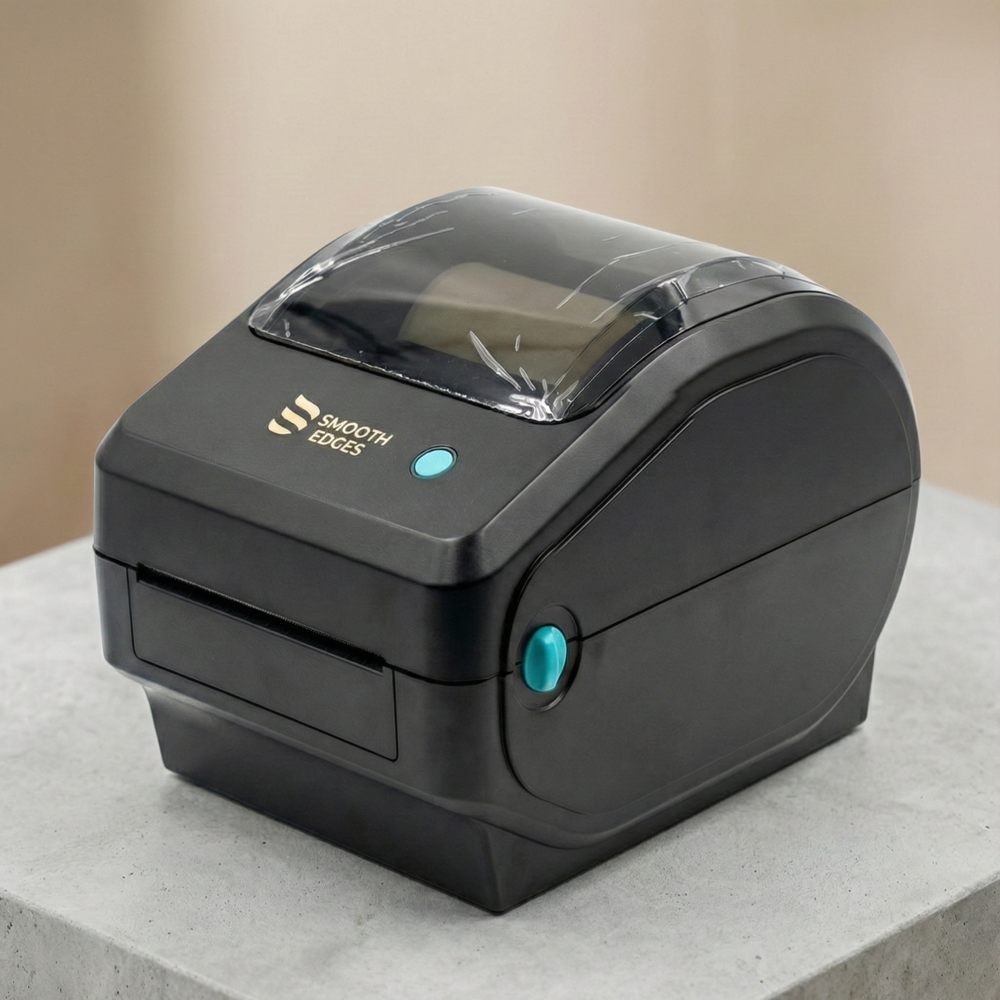
Smooth Edges MBP 401 Desktop Barcode Printer Thermal Receipt Printer a desktop thermal barcode & label printer designed for business use that prints barcodes/labels quickly and reliably using direct thermal printing, with USB (and optional Bluetooth/WiFi) connectivity and multiprecision sensors for accurate label positioning.Versatile Connectivity
This barcode label printer is equipped with USB, Bluetooth, and Wi-Fi options, making it compatible with a variety of devices. Whether you need wired or wireless access, you'll have seamless integration with your existing systems for effortless printing.
Direct Thermal Technology
The direct thermal printing delivers high-quality barcodes and receipts without the need for ink or toner. Its thermal print feature ensures sharp, smudge-free labels that are suitable for retail, shipping, and inventory management applications.
Lightweight and Durable Design
Made from tough ABS plastic and weighing only 400 grams, this printer is both lightweight and durable. Its smooth-edged design ensures safety and ease of handling, allowing for safe placement on counters or workstations in busy environments.
FAQ's of Barcode Lable Printer:
Q: How do I connect the barcode label printer to my devices?
A: You can connect the printer via USB, Bluetooth, or Wi-Fi, making it simple to pair with computers, tablets, or smartphones, depending on your preference and operational setup.Q: What types of labels and receipts can this printer handle?
A: The printer is suitable for printing barcodes, receipts, and various labels up to 80 mm in width, ideal for retail, billing, shipping, and inventory applications.Q: When should I choose direct thermal technology for my printing needs?
A: Direct thermal technology is recommended when you need fast, maintenance-free printing for barcodes and receipts, especially in environments where ink or toner cartridges are impractical or costly.Q: Where is this printer commonly used?
A: This barcode label printer is ideal for locations such as retail counters, warehouses, and shipping departments, particularly across India, where efficient and reliable labeling solutions are essential.Q: What is the process for setting up the printer?
A: Setup involves connecting the printer via your chosen interface (USB, Bluetooth, or Wi-Fi) and installing the necessary drivers or software. Once connected, it's ready for immediate label or receipt printing.Q: How does the smooth-edged design benefit users?
A: The smooth edges minimize the risk of accidental cuts or snagging, ensuring safe operation and easy handling, particularly in fast-paced workspaces.Q: What are the main benefits of using this automatic barcode label printer?
A: This printer provides quick, reliable, and high-quality barcode or receipt printing while being energy efficient and portable, suiting diverse commercial requirements in India.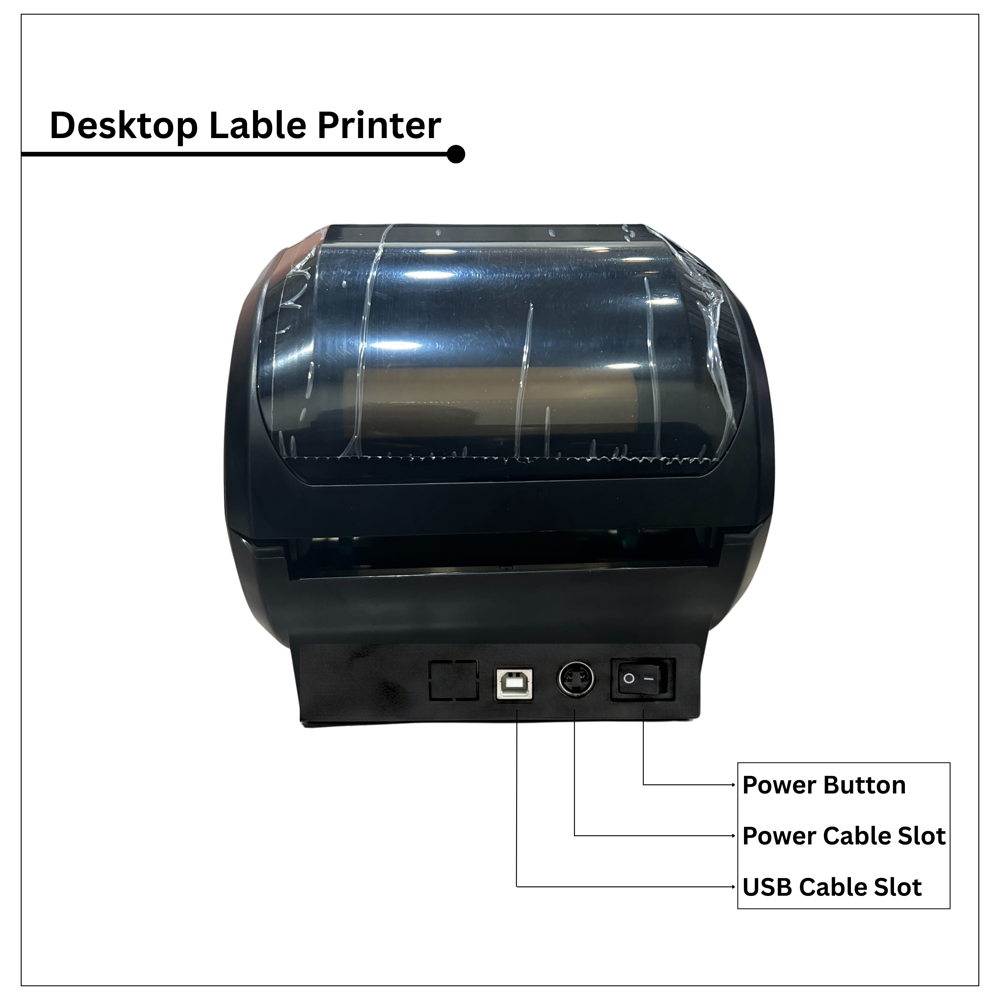
Tell us about your requirement

Price:
Quantity
Select Unit
- 50
- 100
- 200
- 250
- 500
- 1000+
Additional detail
Mobile number
Email

More Products in Barcode label printers Category
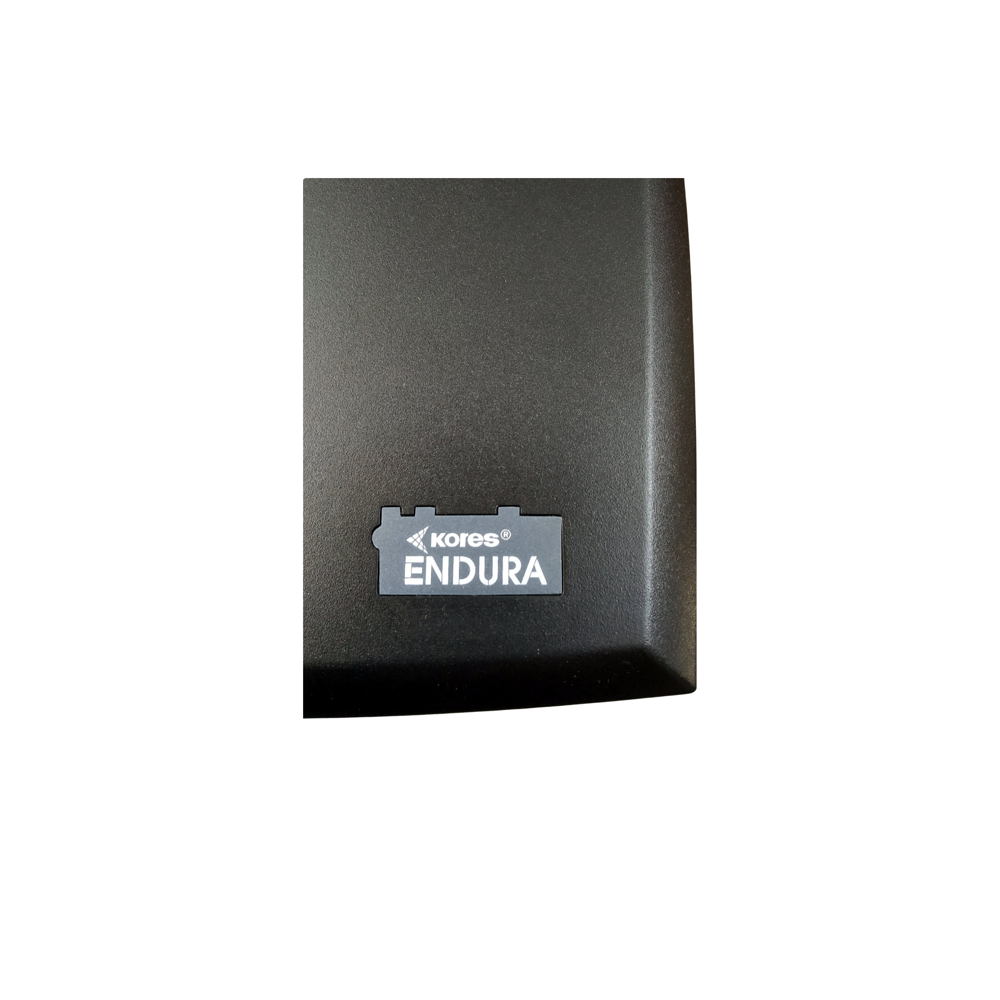
Kores Barcode / Label Printer En-dura - 2801
Price 12500.0 INR / Unit
Minimum Order Quantity : 1 Unit
Capacity : 2250 labels/hour (at 5 IPS, standard label size) Pcs/hr
Print Technology : Direct Thermal & Thermal Transfer
Usage & Applications : Holding ID cards, badges, keys; suitable for offices, schools, events, corporate functions, and promotional activities.
Print Speed : Upto 5 IPS IPS
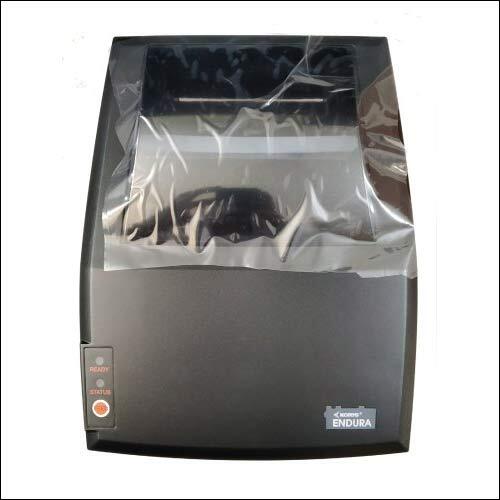
Kores Barcode Printer 2801
Price 11000 INR / Piece
Minimum Order Quantity : 1 , Piece
Capacity : 300m ribbon length, 100mm OD media
Print Technology : Direct Thermal / Thermal Transfer
Usage & Applications : Retail, Logistics, Warehouse, Manufacturing
Print Speed : 127 mm/sec
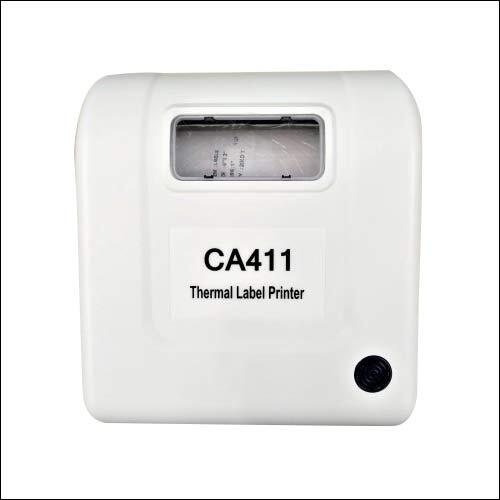
Bluetooth-USB Connectivity Direct Thermal Receipt and Label Printer
Price 8500 INR / Piece
Minimum Order Quantity : 1 Piece
Capacity : Roll diameter up to 80 mm
Print Technology : Direct Thermal
Usage & Applications : Retail, logistics, warehousing, billing, ticketing
Print Speed : 150 mm/sec max
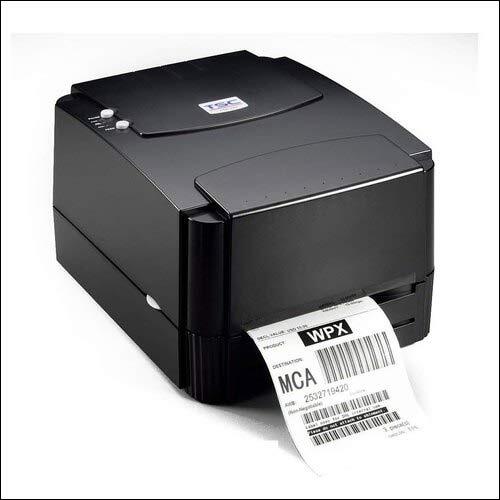
TSC TTP 244 Pro Barcode Label Printer
Price 12700.0 INR / Piece
Minimum Order Quantity : 1 Piece
Capacity : Not Specified Pcs/hr
Print Technology : Dye sublimation (thermal transfer)
Usage & Applications : ID cards for offices, schools, colleges, banks, hospitals, clubs, events, security passes
Print Speed : Not Specified m/hr

"We mainly deals in Chandigarh, Haryana, Himachal Pradesh, Punjab, Rajasthan, Uttarakhand only."
 Send Inquiry


Our Products
- Id card printers
- Smart Card
- PVC ID Card Printer
- Mobile Bluetooth Printer
- ID Cards
- Printer Ribbon
- Note Counting Machine
- Ribbons & Supplies
- Barcode label printers
- PVC Card
- Thermal Receipt Printer
- Cleaning Kit
- Printing Services
- Smart Card Reader
- Barcode Scanner
- PVC Card Printer
- Brother Label Printer
- Paper Shredder
- Casio Label Printer
- Casio Label Tapes
- Evolis Cleaning Kit (Consumables)
- Plastic Smart Cards
- Rfid Cards
- Lanyard
- ID Card Printer
- Currency Counting Machine


343/3, Netaji Nagar, Salem Tabri,Ludhiana - 141008, Punjab, India

Mr Harpreet Singh
(Proprietor)
Mobile :+919814700040, +917814782330, +917814978947
 Send Inquiry
 Send SMS
 Call Me Free
Developed and Managed by Infocom Network Private Limited.
 English
 Spanish
 French
 German
 Italian
 Chinese (Simplified)
 Japanese
 Korean
 Arabic
 Portuguese